If the interface of GA4, Google Ads and other marketing systems has been limiting you for a long time and does NOT close your tasks, then this course is definitely for you. After passing it, you will be able to write SQL queries of any complexity, which will help you better understand your business and find the most optimal solutions for its development.
Tired of constant limitations in the GA4 interface: sampling, thresholding, not being able to select data in custom reports for more than 14 months, etc.
Want to start using raw data from marketing systems to make business decisions
Want to learn how to combine raw data from different systems into one report
Know SQL perfectly, but you don't understand the business context of GA4 data and Google Ads
Know everything there is in the program, but you don't want to write SQL queries from scratch and are looking for ready-made solutions with detailed explanations of what and how it works, and how it can be customized
The course will NOT suit you if you:
Don't know the basics of SQL. Yes, unfortunately, this course is designed for people who already know basic SQL statements and know how to configure GA4 data export to BigQuery. If you also want to raise your level to the desired level, you can take the PRO ANALYTICS course, or write to us in Telegram and we will tell you how you can raise your level of knowledge on free resources
study
Learning Experience
01
VIDEO LECTURES
10 lectures with all the theory. Access to course materials, as well as UPDATES, remains with you forever.
02
TEST TASKS
More than 40 test tasks for independent verification of theoretical knowledge.
03
PRACTICAL TASKS
20+ homework on the Google BigQuery test account, which will allow you to consolidate the acquired knowledge not only in theory, but also allow you to gain practical experience.
programs
Course Syllabus
Module 1.
Building and customizing standard GA4 reports based on raw data
What You Will Learn
Reasons why you need to build standard reports in BigQuery
Building the Pages and Screens report
Working with the UNNEST operator
Why results in BigQuery do not match Google Analytics 4 reports
Construction of the User Acquisition report
Peculiarities of counting the number of sessions and users
Familiarity with window functions in BQ
Why is it important to use _table_suffix
Working with Saved Queries
What You Will Achieve
Since this course is designed for those who already know the basics of SQL, we will not delay and immediately start with practical problems. In this lecture, you will learn how to build Pages and Screens and User Acquisition reports based on raw GA4 export data to BigQuery and learn about the important nuances of working with this data
What You Will Learn
Why not work directly with data from GA4 exports
Why don't we take source data from the event level
Preparation of a table with traffic sources at the level of each session
Last Click VS Last Non-direct Click attribution models
The nuances of the Last Non-direct Click attribution model
Building a report on traffic sources Traffic Acquisition in the Last Non-Direct Click attribution
Resolving a problem with GCLID
Request to check the correctness of UTM-marking
Using bq_util functions to work with URLs
Creating custom functions in BQ
Building a Landing Page report
Nuances with traffic sources, if there were several sources within the session
Saving query results in BigQuery - View vs Table
Scheduled queries (Scheduled query). What is the advantage and how to configure
What You Will Achieve
After watching the lecture, you will learn how to build Traffic Acquisition reports in the Last Non-Direct Click and Landing Page attributions, and, of course, you will learn what you need to take into account when building them.
What You Will Learn
Why it's important to analyze the entire user journey to conversion
Construction of a request for multi-channel sequences (chains of conversion)
Let's deal with the LAG and ROW_NUMBER window functions. Window ranges (frame)
Building a linear attribution model based on raw data
Building attribution based on positions
Working with arrays in BQ
What You Will Achieve
After watching the lecture, you will understand why it is important to analyze not only the last interaction of the user before the conversion, but also the entire chain of sessions from the first visit of the visitor to the site. Well, of course, you will learn exactly how to analyze this chain of multi-channel sequences.
What You Will Learn
Differences of Ecommerce events from others
What are Nested and Repeated fields and how to work with them
How to correctly calculate Purchase Revenue when working with raw data
Building a standard transaction report
Construction of a standard report on goods
Custom reports on Ecommerce in BigQuery
Using variables when writing queries
How BigQuery can help with Ecommerce data analysis
How to calculate the coefficient of transition from stage to stage in BQ
What You Will Achieve
In this lecture, you will learn how to build an Ecommerce purchases report, learn how to work with ecommerce data that is available in the GA4 export, and understand how you can improve the standard reports available in the Monetization collection if you work with raw data and not in the GA4 interface.
Module 2.
Working with advanced data analysis techniques: funnels, path analysis, cohorts
What You Will Learn
Why do you need to build funnels in BQ. Open Funnels VS Closed Funnels
Construction of open pits in BQ
Construction of closed funnels in BQ
Construction of funnels by events and users
Limiting the time between events at different stages of the funnel
What You Will Achieve
The topic of the lecture speaks for itself: you will learn to build any type of funnel you need on any data. Of course, we will also analyze the nuances of each type and analyze them in great detail, using practical examples.
What You Will Learn
Why do you need to build a user path to conversion
Path to previous and next page
Path Exploration 5 steps forward and backward from page-by-page conversion
The most common paths along which users move in the section of page categories
Path Exploration is 5 steps forward and backward from event conversion
What You Will Achieve
You will learn how to replicate the Path Exploration technique from the Data-Driven Exploration in BigQuery block. And, of course, about how it can be improved by working with raw data.
What You Will Learn
What is cohort analysis. What is it for. Limitations in the interface
How to work with user_id in BigQuery
Building classic cohorts from the first visit to the site to the purchase (for any conversion)
Construction of cohorts by user_id
Mapping of user ID user_id and device ID user_pseudo_id
Loading data from BigQuery into Google Sheets
What You Will Achieve
You'll learn everything you need to know about cohort analysis based on data stored in BigQuery. And in addition to this, you will learn how to integrate BigQuery with Google Spreadsheets, which allows you to expand the possibilities of working with data and automate reporting.
Module 3.
Working with data from Google Ads, CRM and other systems. Combining data from different systems with each other
What You Will Learn
What is data transfer to BigQuery
Transfer of Google Ads. How to load historical data into BigQuery
Building a report on expenses by campaign identifiers
How to display costs in the section of the last name of the campaign
Data breakdown to ad group and keywords
The nuances of campaigns without ad groups in BigQuery
Work with geo data
Nuances of working with geographic location identifiers in BigQuery
What You Will Achieve
You will learn everything you need to know about working with Google Ads data in BigQuery: how to configure the transfer of this data to BigQuery, what data you can receive and in what form, and of course we will analyze practical examples of the nuances of working with the received data.
What You Will Learn
Two methods of combining data in SQL - JOIN and UNION
Combining GA4 and Google Ads data to decipher gclid
Combining data from CRM and GA4. We attach information about the chain of channels and the path to purchase to real purchases by client_id
Combination of call tracking data and CRM by phone number
What You Will Achieve
Working with data from one system is cool, but BigQuery reveals itself the most when you start combining data from different systems in your reports. Thanks to many practical examples, this is exactly what you will learn in this lecture.
What You Will Learn
Using event_timestamp with local time zone instead of event_date in BigQuery. DATETIME and TIMESTAMP data types
Quickly find out which events are configured on the project, on which pages they work and which additional parameters are transferred with them
Export and streaming data, how to combine and when to use only streaming
GA4 BigQuery export schema changelog
Using user property data from GA4 exports
System tables in BigQuery. An example of their use for updating reports
Creating automatic backups in BigQuery
Timetraveling in BigQuery
Tools for auto-generation of queries
What You Will Achieve
This lecture is a collection of tips and life hacks that will help you write queries and work with data faster and more conveniently.
how much?
Course Fee
value
What You Will Gain
17+
hours of video materials on the platform are divided into short videos and conveniently structured to quickly return to them when solving specific tasks.
50+
test tasks on the platform that will help consolidate theoretical knowledge and develop web analytics skills on real examples.
25+
tasks on the Google test demo account, where you need to build a report yourself or find an answer when working with data.
∞
time to complete the course. You can safely take the course at a comfortable pace and manage your time, focusing more on tasks that are important to you.
∞
access to an alumni community that brings web analytics professionals together so you can continue to learn, network and discover new ideas.
1
year of access to all materials, which will allow you not only to repeat the studied material, but also to get access to updates and additional content.
No worries, it happens! If you're stuck or have questions about our courses, just let us know. We're here to help you find the perfect course that suits you and your future goals.





















 I Want to Try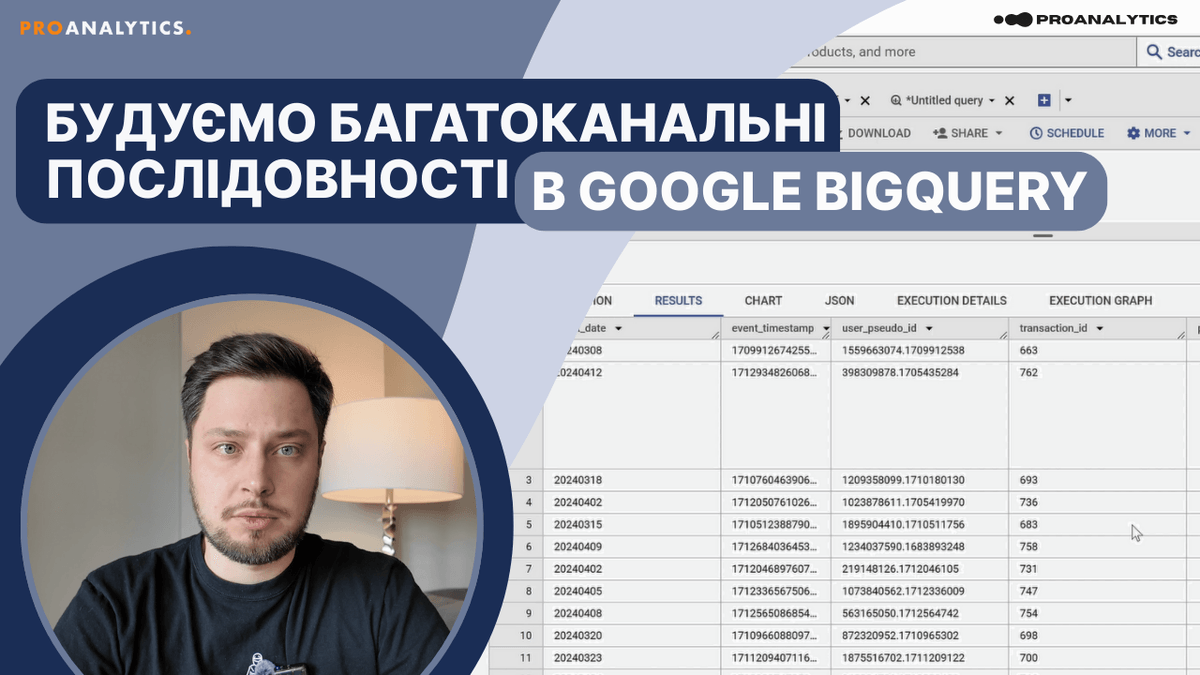


 @makshapchuk
 /maks.hapchuk