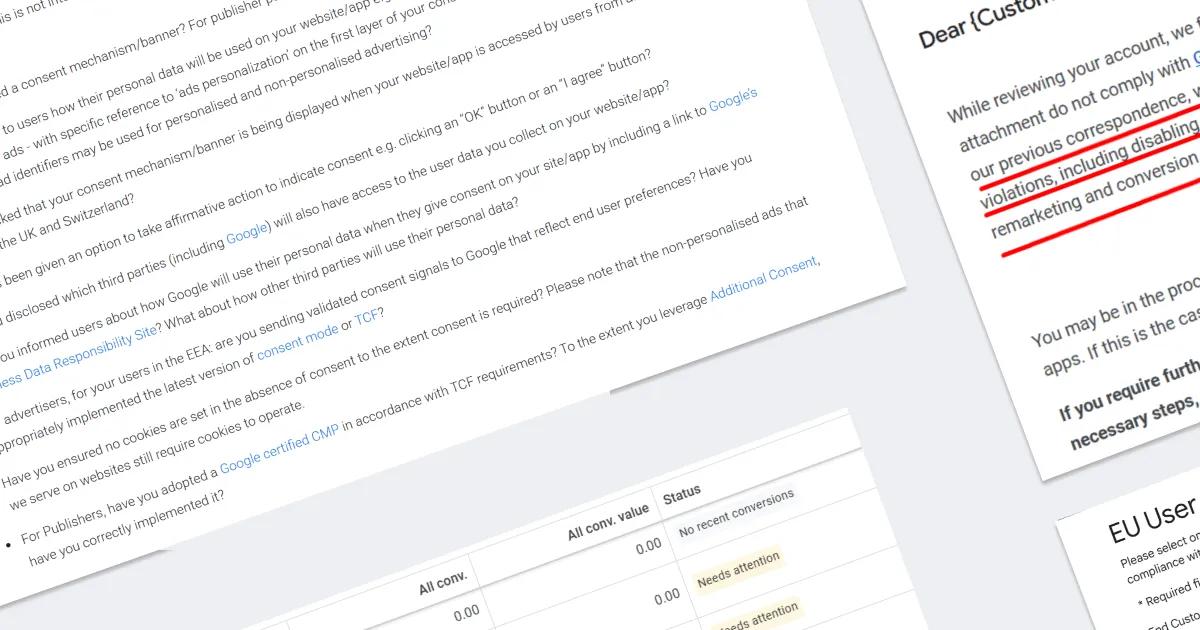
No Banner – No Conversions. Google Has Started Blocking Data Transfers to Google Ads

It’s been a year since Google introduced mandatory user consent for data transfers to Google Ads and GA4 in countries of the European Economic Area (EEA). During this time, dozens of CMP platforms, integrations with Consent Mode, and “proper” ways to send consent signals have appeared.
But in practice, many websites took the shortest route: instead of a proper consent banner, they simply send an “all granted“ signal to the system using a couple of GTM tags — even if there’s no banner on the site at all, or it’s a basic “OK” pop-up.
Until recently, that was enough: Google accepted consent signals without checking how they were actually obtained.
But now the rules are changing.
Will Google still “swallow” it?
A client recently contacted me: conversion tracking in their Google Ads account had completely stopped — the entire funnel.

Since the site runs on Shopify, the first suspicion was a conflict between GTM, custom pixels, or third-party apps. But the checks showed nothing — everything was working fine.
I reviewed the ad account settings — all in order. I checked event dispatch in the console and the Network tab — events were firing, requests were being sent. Everything looked fine.
But one thing immediately stood out: there was no consent banner on the site at all. Yet GTM was consistently pushing consent default/update with parameters 'all granted'. Well, hello there...
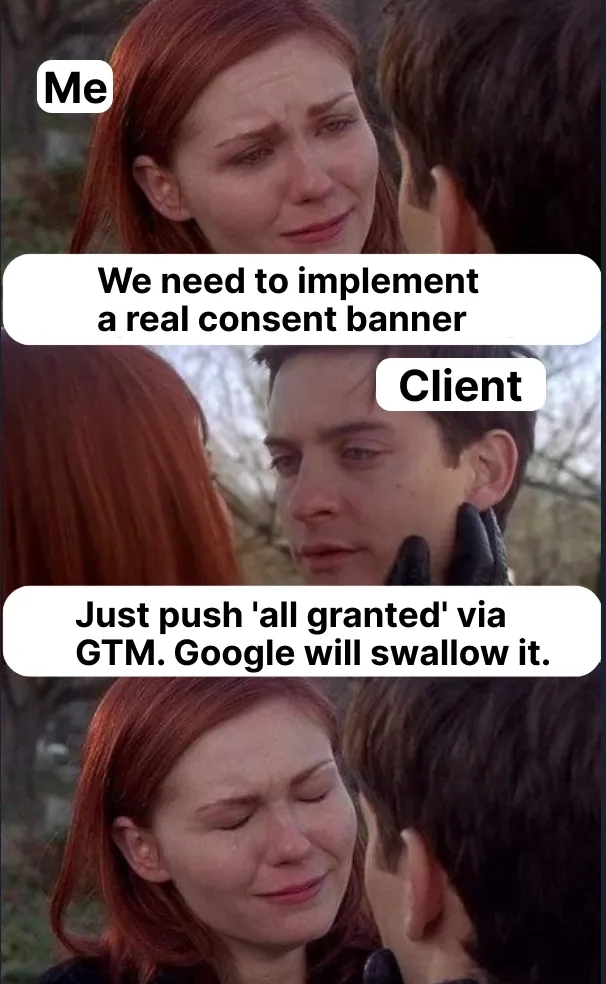
I know this setup all too well: it's used by those who don’t want to deal with CMPs (or pay them “for nothing”) — so they just add a couple of tags in GTM, send the required signals, and it seems like “everything works”.
So at first, I didn’t even focus on it — I’ve explained countless times that the banner has to be legitimate, and always heard something like:
- "Why would I pay for nothing?"
- "I’ll take the risk — data matters more than some hypothetical €20 million fine."
- "Google still swallows ‘all granted’, what difference does it make how I send it?"
And this time, I reflexively mentioned the banner, but didn’t see it as the cause of lost conversions — after all, Google used to accept consent signals without checking their origin.
Google is sending warnings…
After hours of troubleshooting and back-and-forth with the client, I took a step analysts only take in desperate situations — I contacted Google Support :)
The response? Classic: a vague message along the lines of “Consent Mode is not configured.”
Even though, technically, it was — the Google Ads interface showed the green indicator: Consent Mode is Active.
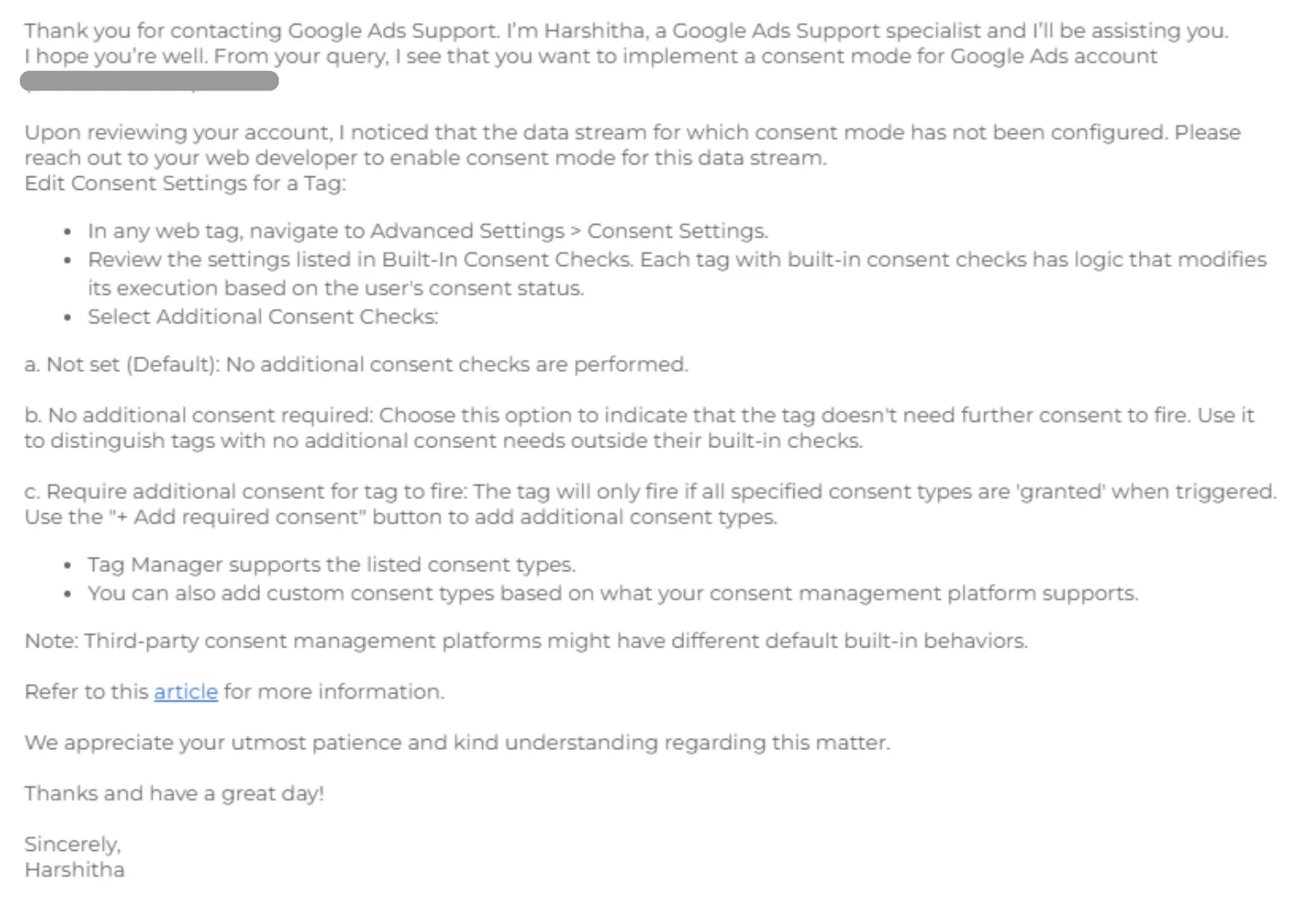
The reply was vague and unhelpful, even though Harshitha could probably already see that some restrictions had been applied to the account — and could’ve just said so. But it all looked like either a lack of communication between different Google support departments, or simply a lack of willingness to dig deeper — because Harshitha probably had one minute per ticket (figuratively speaking).
So I kept digging.
Then the client casually mentioned, “By the way, I think I got an email from Google about a month ago — maybe it’s important?” Turned out — it really was.
He had, in fact, received a warning: something along the lines of “You don’t have a proper consent solution set up. Please fix this.”
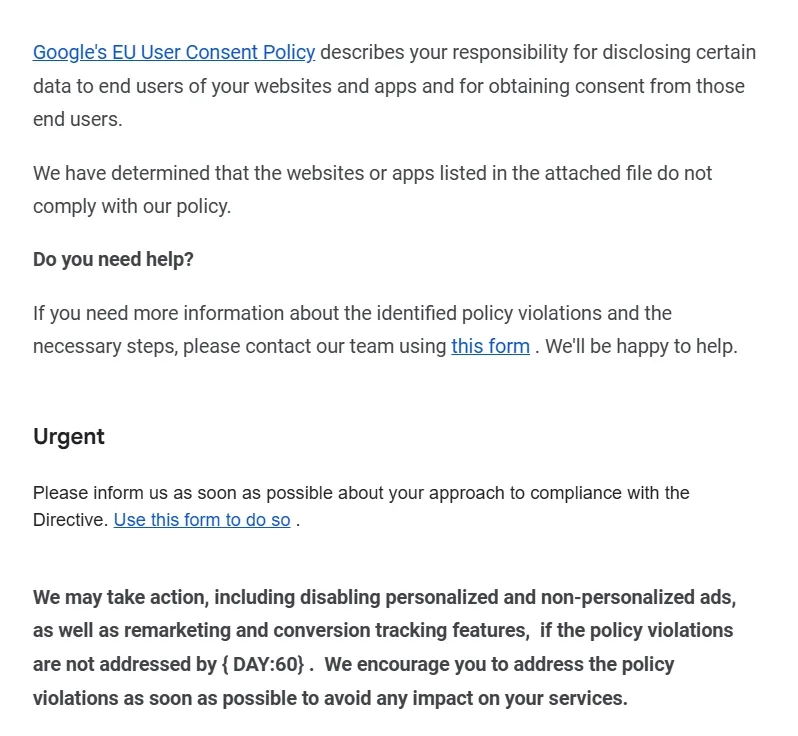
The good news: Google does give you a heads-up when it detects an issue, giving you time to fix it.
The bad news, as you’ve probably guessed: Google is now checking not just whether consent signals are being sent — but whether the banner is actually implemented on your site.
The client had ignored the first email — assumed it was just another newsletter (even though the subject line started with [Important – please read]).
Exactly one month later, another email landed — not a warning this time, but a notice that data collection had been blocked.
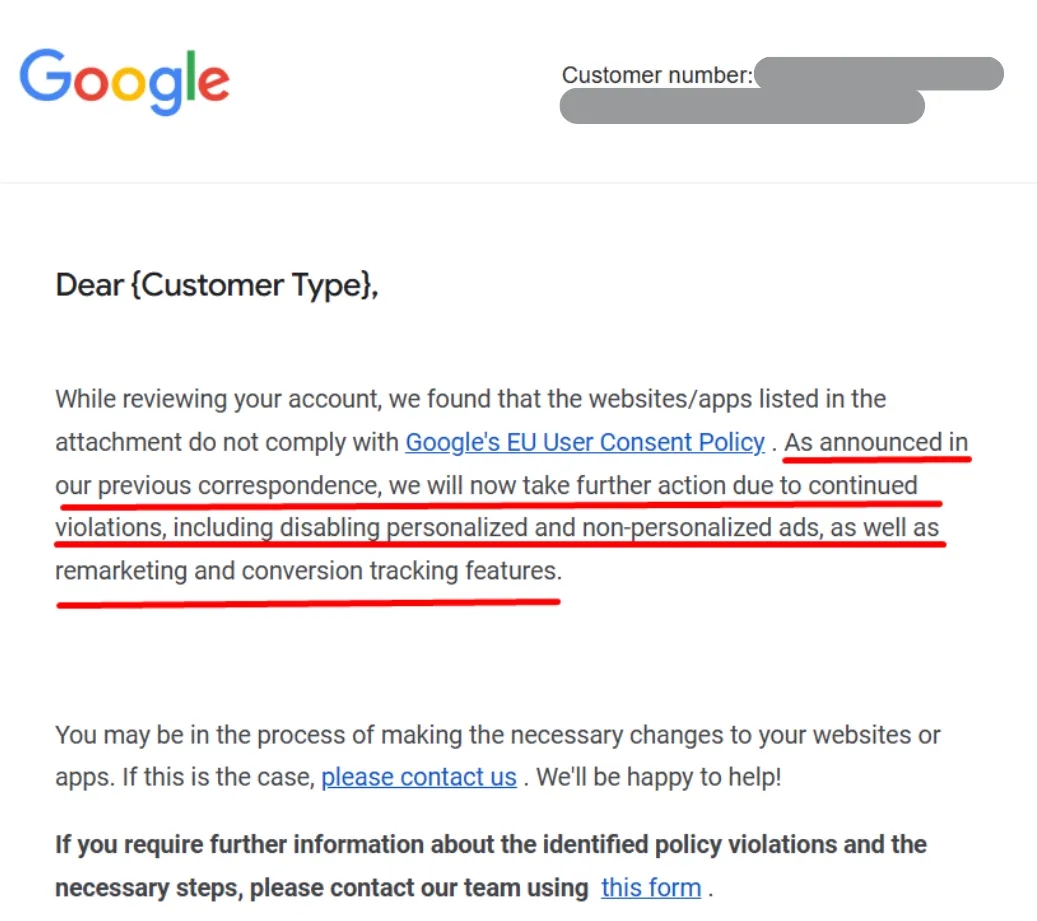
Everything at zero?
So, you’re probably wondering — what kind of restrictions is Google actually applying? They’re not obvious at first: no alerts, no red banners in Google Ads. But after a day or two, the impact becomes clear:
- Conversions stop tracking. Completely — even
page_viewandview_item, let alonepurchaseorlead. - Audiences stop collecting.
- Algorithms lose direction. Your ads start running blind.
- In the console, everything looks fine. Consent Mode is active, events appear to be sent — but Google simply ignores them.
How to lift the block
Alright. We found the cause — now it was time to fix it.
The second email from Google included a link to a re-review request form.
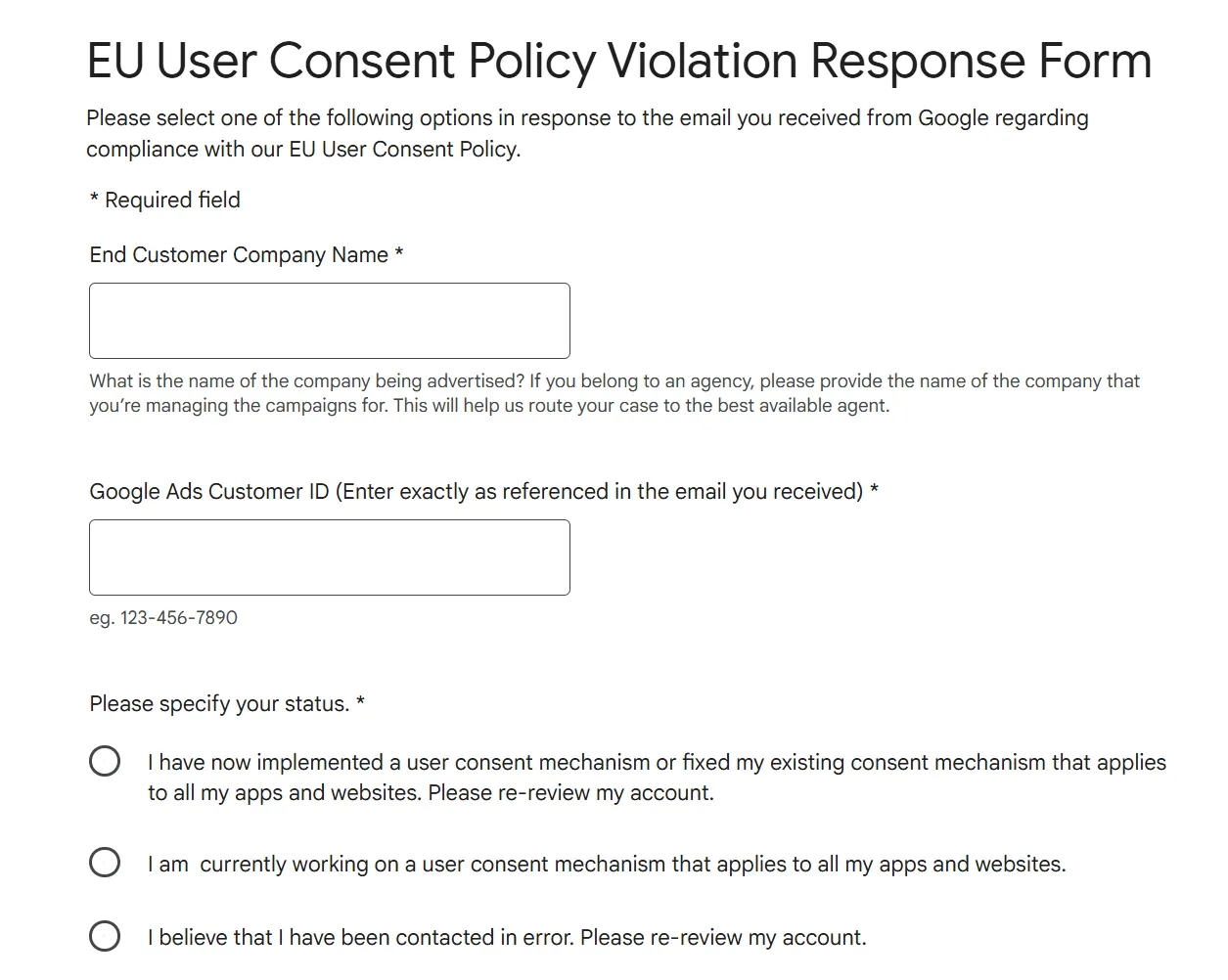
From the form instructions, it was clear: before submitting anything, you need to implement a proper working consent solution. Fair enough.
Since the website was on Shopify, the choice was obvious: Pandectes — the best CMP for this CMS. It’s fully compatible with Consent Mode v2, flexible, and meets all of Google’s requirements.
We quickly integrated the banner, ran some tests, and submitted the form.
And — a nice surprise: we got a reply within an hour!
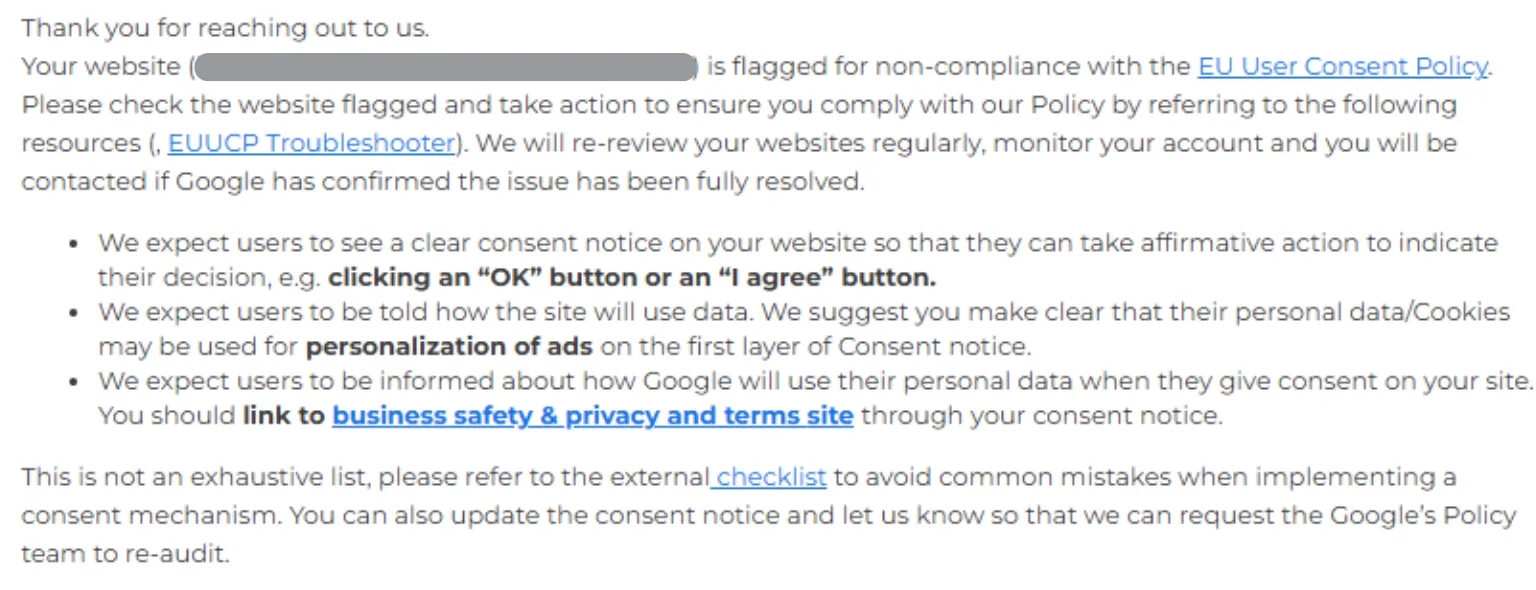
The email said that the banner needed a few more tweaks to match Google’s checklist (link included).
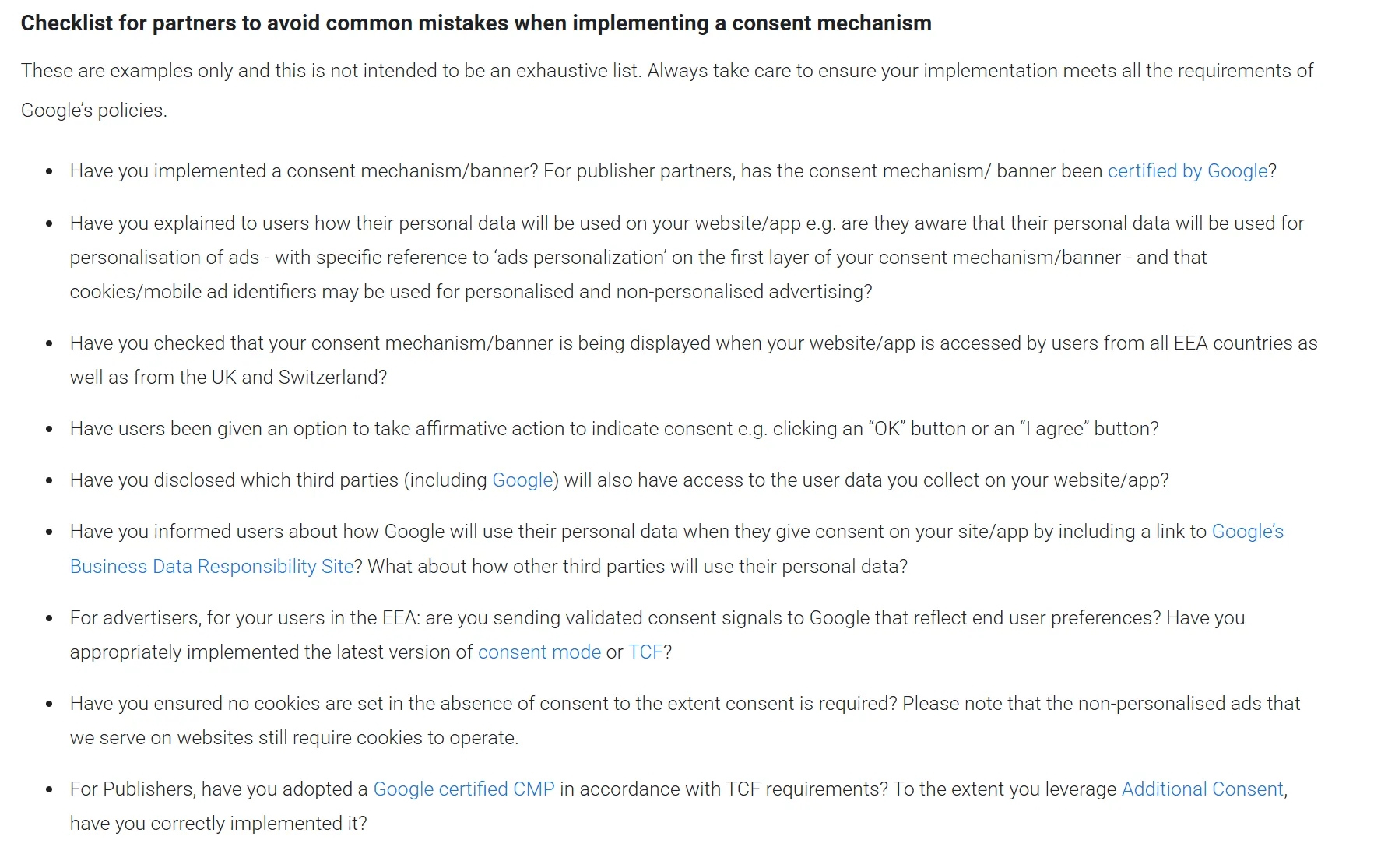
After the final changes, we reached out to support again — and a week later, we finally got a reply: the restrictions would be lifted!
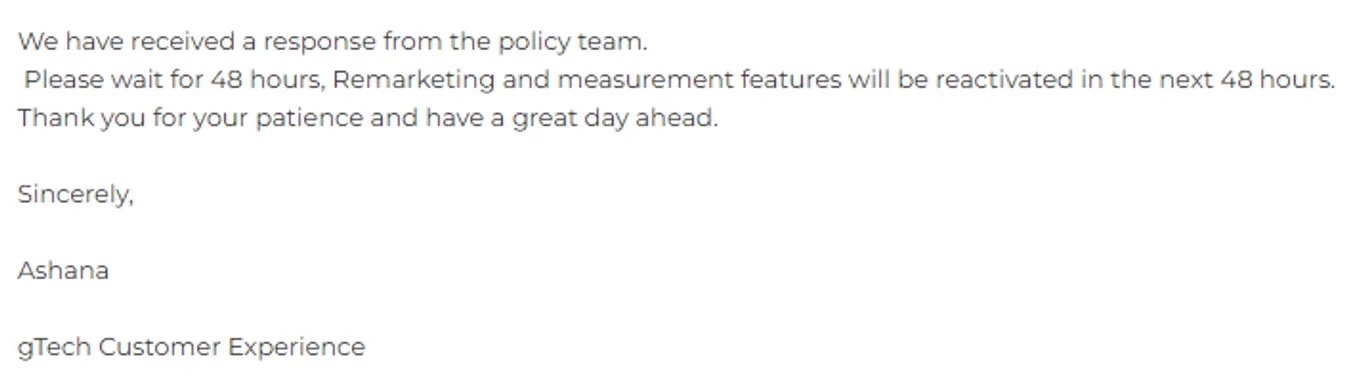
And soon enough, fresh conversions started showing up in the Google Ads account again.
Solved!
Consent matters…
Well. This case made it very clear: the era of "pushing all granted without a banner" is coming to an end. Google is actually checking how you obtain consent, and it will block data collection if there’s no banner — or if the banner is fake.
So, let’s not forget:
- Consent Mode isn’t just about pushing consent signals manually. It must be connected to a visible, functional banner that complies with Google’s requirements (and ideally, with GDPR too*).
*That was a subtle joke about the... let’s say... differences between Google’s interpretation of GDPR and the expectations of actual European data privacy authorities :)

- Google does send a warning in advance. But that email is easy to miss.
- Don’t postpone your CMP integration — especially if you operate in the EEA. There are plenty of solid options: Pandectes, Cookiebot, Borlabs, CookieYes — you’ve got choices.
- If the block has already happened — don’t panic. Install a proper banner, fill out the form, and you’ll be fine.
Moral of the story:
A website without a proper consent banner might pose a minor GDPR fine risk — but it’s a 100% risk of losing your data, your audiences, your ROAS, and all your optimization signals in a Google Ads account that was doing just fine…
Set things up correctly from the start — and sleep well at night )
Loading comments…